Editing Pages
To edit a page from within the iMarket CMS Manager, first locate the page in the Site Tree.
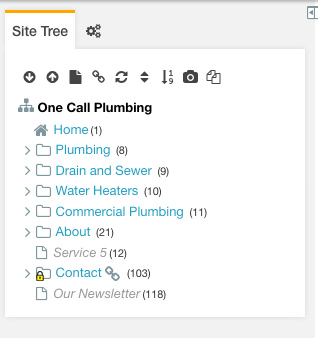
Sometimes the page you want will be within a section rather than a top level page. If this is the case, you will need to first expand the relevant section in the Site Tree. To expand a section, click on the downward arrow next to the section name. This will display a list of pages in that section.
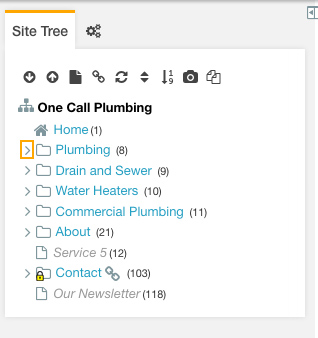
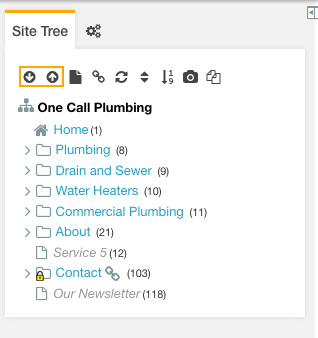
You can expand all or collapse all sections in the Site Tree using the Up and Down arrow icons at the top of the Site Tree.
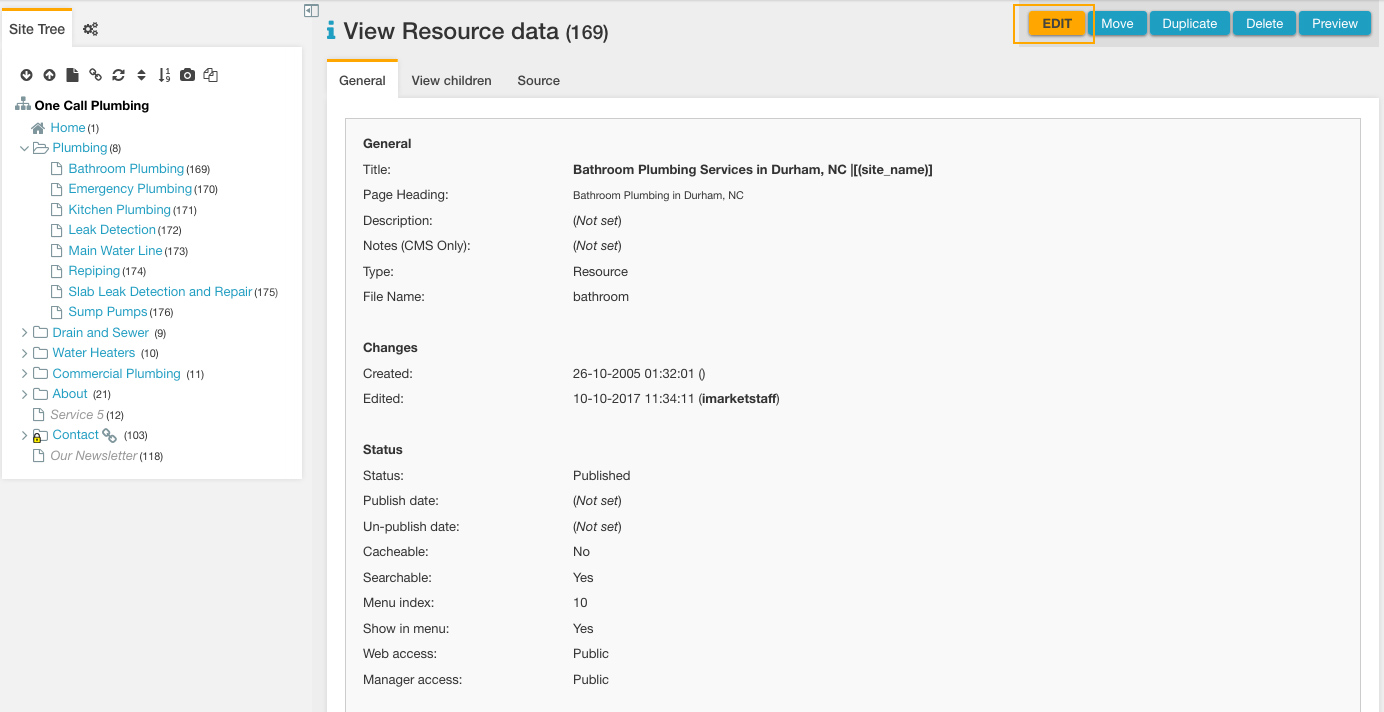
Once you have located a page in the Site Tree, click on the page name. The page will load in the Main Content area, and you can click the “Edit” button that appears at the top of the Main Content area.
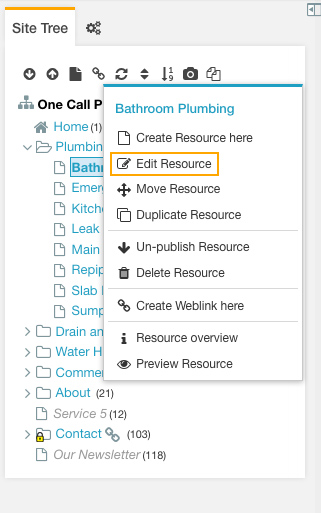
Alternatively, right click on the page name. A menu will appear, and you can choose “Edit Resource” from that menu.
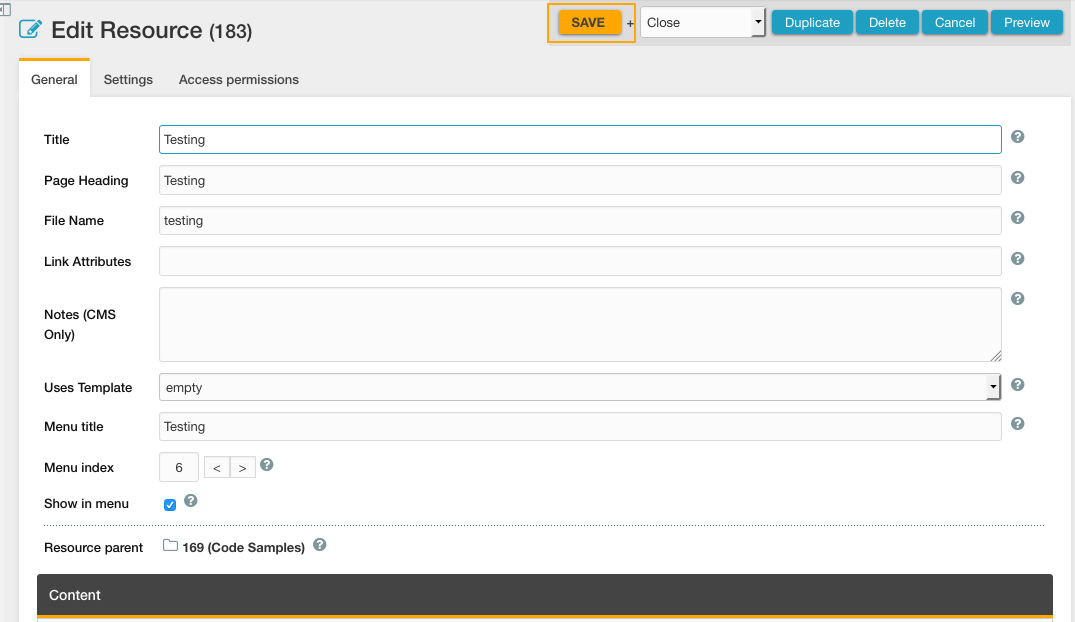
Once the page is opened for editing, you can change the document’s settings as well as editing the document’s content. When editing, we suggest that you edit the individual text needed rather than deleting all existing text prior to editing the page. You will not be able to edit module content (instead, edit the content through the corresponding module). If content is not available for editing, please open a ticket to Development to make the edit.
Always be sure to save your work by clicking the orange “Save” button in the right-hand corner of the window.
FAQ
There is a page/weblink on the site that isn’t showing up in the Site Tree. How do I access it?
Some pages will be restricted so that only Developers can view and edit them. In this case, the page will not appear in the site tree for a non-development login (ie., iMarketStaff). Open a ticket to Development to edit a page that you are unable to view or edit.
What’s this random code? Can I delete it or edit it?
Some pages will include shortcodes that Development has put in place. This might look something like this: {{staff_page}} or [!ims_contact_form? &form_id=`1` &thanks_doc_id=`32`!]. iMarketStaff users should never edit this content, but instead, should open a ticket to Development.
How do I edit the homepage content? There is content displaying when I view the homepage from the front end, but it isn’t appearing in the MODx editor.
Homepage content should generally be edited by Developers only. Because this area of the website is highly customized, typically developers will include the content in areas outside of the iMarket CMS page editor so that it can include special html markup. In most cases, you should open a ticket to Development for any homepage edits.
Last updated: