Third Party Tools
Third party tools refer to extra functionality added to an iMarket site through reusable code that is developed and maintained by another company/source.
Best Practices
All third party code should be added to a site via a ticket to Development. Development will add a Project Note in the Dashboard to indicate this code was added (for tracking purposes) and the standard disclaimer should be given by the OMC/Project Manager to the client regarding potential impacts of third party code on site performance. More details about these practices and iMarket’s official policies regarding third party code can be found in this wiki entry.
Styling and/or Extending Functionality
Because the code is developed and maintained by an outside source, it is iMarket’s policy to not alter third party code in any way. While the placement of the embedded tool may go through the design process (either through post-launch design or during the initial site design process), the styling of the object itself may not be altered by iMarket developers.
Common Third Party Tools
Third party codes may be installed for any purpose, but the most commonly seen examples on iMarket Sites involve reviews, live chat, careers, and social media. A few examples are illustrated below:
Reviews
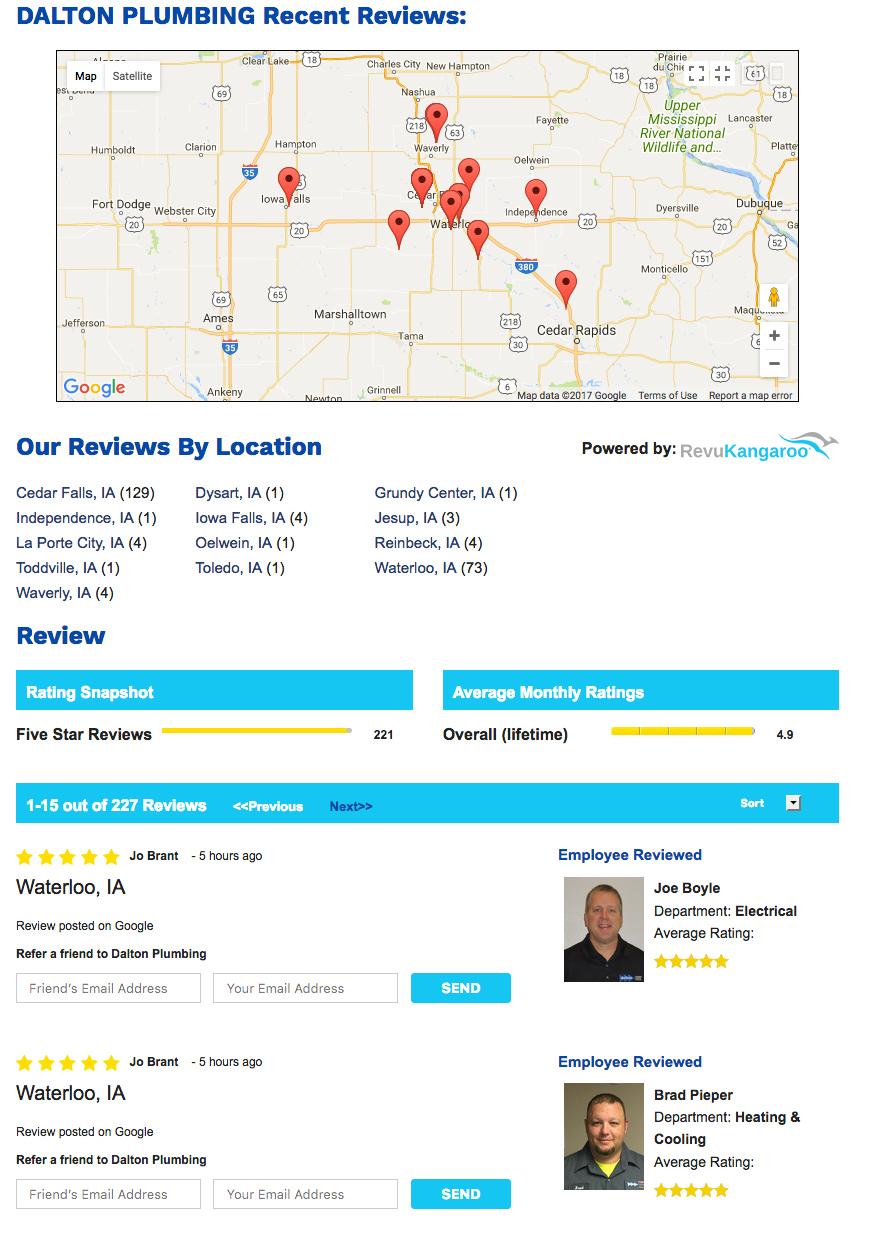
Clients may collect reviews from third party sources and request to display them on their site. In some cases, the tool is simply a logo with a link to the outside review aggregator. In other cases, the tool generates a listing of reviews on a particular page of the iMarket site (similar to Recommend Me). Two examples are shown below.

Live Chat
Apex Chat, Boom Chat, etc., are third-party tools that allows website visitors to get in touch with clients via an online chat window. The particular functionality and styling of the chat box will depend upon the service the chat is purchased through, but typically the chat box will appear at the bottom or side of the screen (on top of the existing page content) on every page of the site. An example of an Apex Chat box is displayed below.

BBB Embed
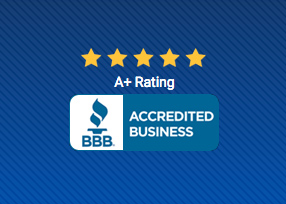
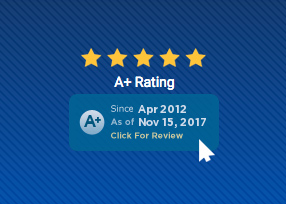
Another commonly-used third party tool is a BBB accreditation logo. Rather than displaying as a static image, the user can hover over the logo to reveal details about the time-frame of accreditation. This tool is often added to an Affiliations or Reviews Block.
Available Positions Listings
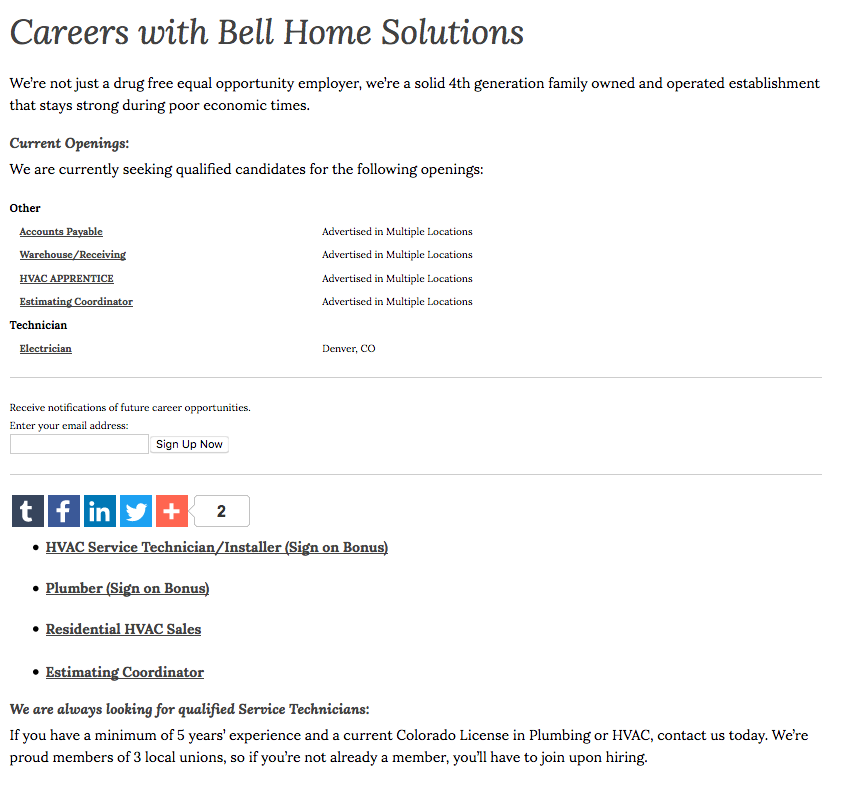
Clients may use a third party service to post/collect job applications. In these cases, the third party code is typically added directly to the careers page, either above or in place of the careers contact form.
Last updated: