Service Areas
The service areas section includes a list of the client’s Service Areas (towns or cities), a zip code search, a service area map page, and service area landing (towns) pages*. These components are both useful for potential customers and important for SEO.
Depending on the client’s package, their website may include a portion or all of these components.
*Note: The service area landing page content will differ from what’s displayed in this entry if Recommend Me is enabled. Please see the Recommend Me entry for information about how it impacts service area landing page content.
Service Area Map Page
With the exception of WebSmart sites, all websites include a Service Area Map Page (unless removed by client request). The Service Area Map page is typically found at http://www.yoursiteurl.com/service-areas.
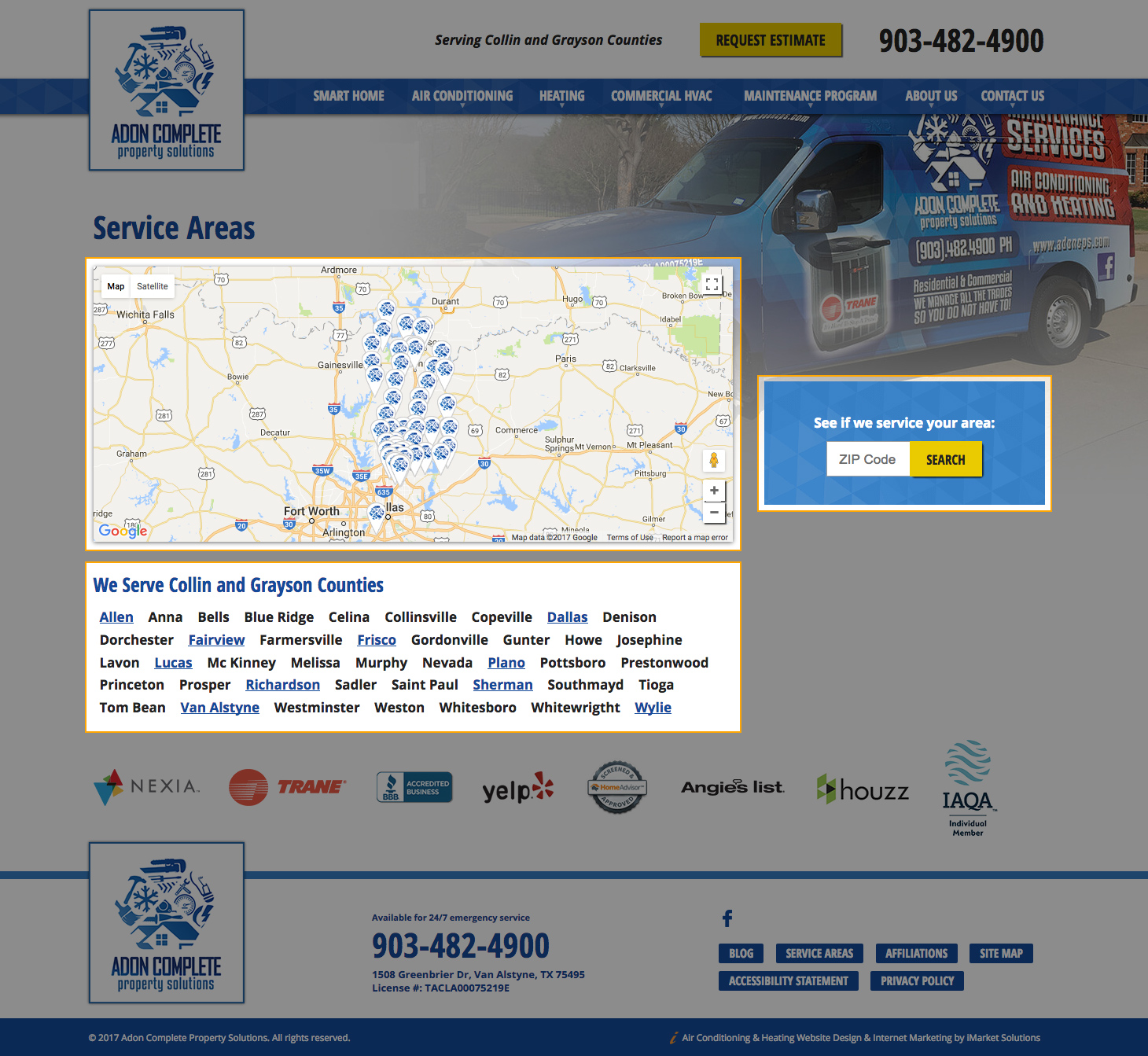
The Service Area Map page includes:
- Interactive Google Map embed with clickable map pins
The Google Map default location (in other words, how the map is centered within the box when the page is first loaded) is set by Developers. Ideally it is centered in a way so that the entire service area is in view when the page first loads. The pins are automatically generated based on the town list in the module. Clicking on a pin will display the town name the pin references and zip code(s) serviced within that town. The icon/design of the pin is provided by the Design Team and is unique to each site. - Zip code search block
- List of all the towns in the service area (with the Service Area H2 language)
The Service Area H2 displays before the list of towns, and is automatically pulled from the module. The list of towns is also automatically populated based on the towns entered into the module. Some towns have their own landing pages (which is discussed further in the next section), and if they do, the town name will be a link to that page.
Styling
At this time, the Service Area Map page does not use custom styling provided by the Design team. However, the Developer may make small tweaks to the default styling to better suit the overall site design at the time of building the site.
Service Area Landing Page (Towns Pages)
Some towns included in the list of Service Areas have their own landing page with content relating to the client’s services offered. Whether or not the town has its own page depends on the number of towns pages included in the client’s package and SEO team determination of areas best for optimization.
Although the towns pages may look like a standard content page, they are actually quite different. The towns pages are all built on the same iMarket CMS resource: The Service Area Landing Page. The unique content for the pages (heading, URL, metas, and top/main content) is added via the Service Area Module.
The town pages will not appear on the Site Map Page, but they will appear in the sitemap.xml list.
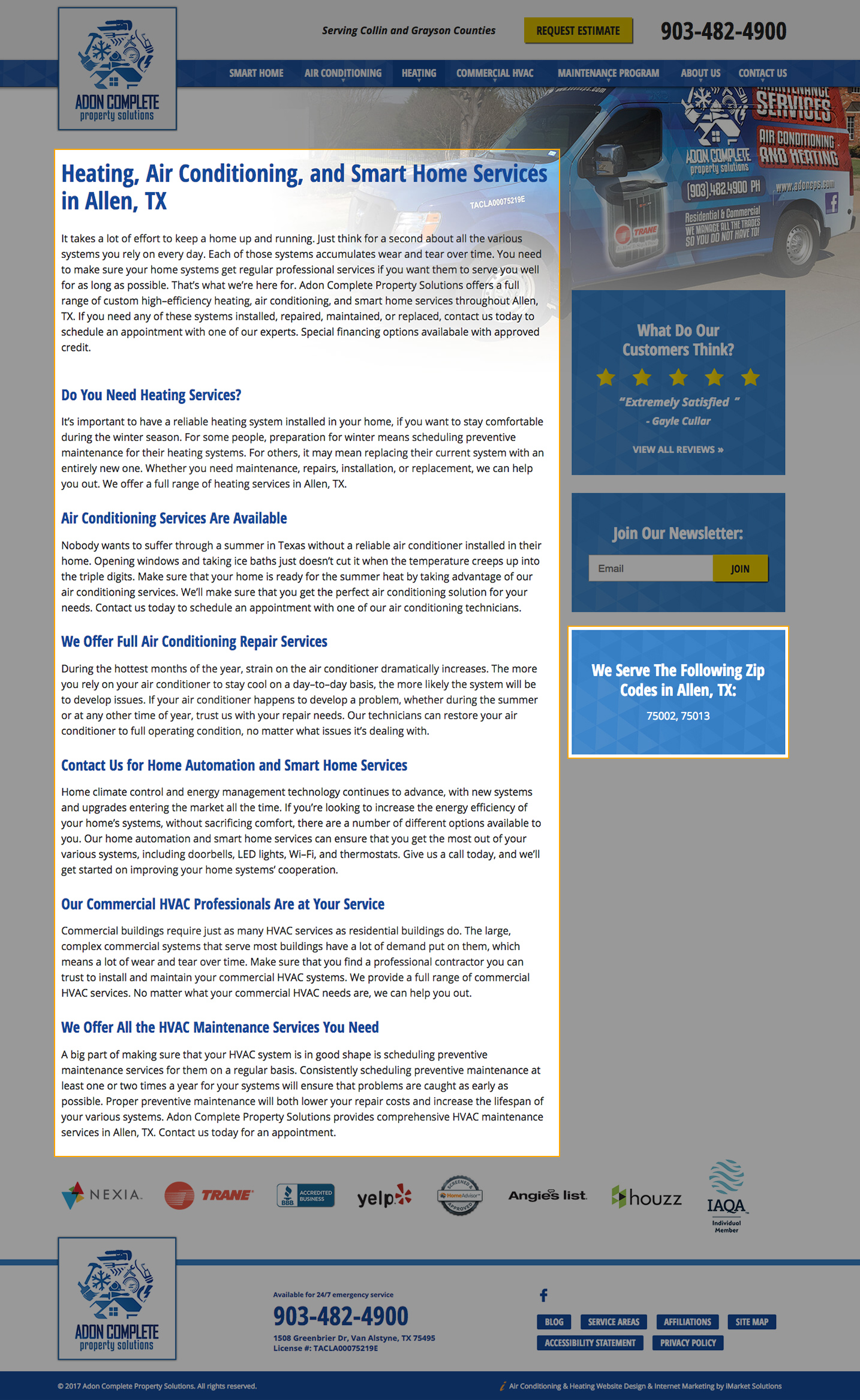
Additional sidebar blocks are included on the towns pages that do not appear elsewhere on the site:
- A list of zip codes served in the town (highlighted in the image below)
- A list of blog posts that have been tagged with the town name. If no blog posts exist, this block will not appear (as it does not in the image below).
Styling
At this time, the Service Area Landing Page does not use custom styling provided by the Design team. However, the Developer may make small tweaks to the default styling to better suit the overall site design at the time of building the site.
Service Areas Block
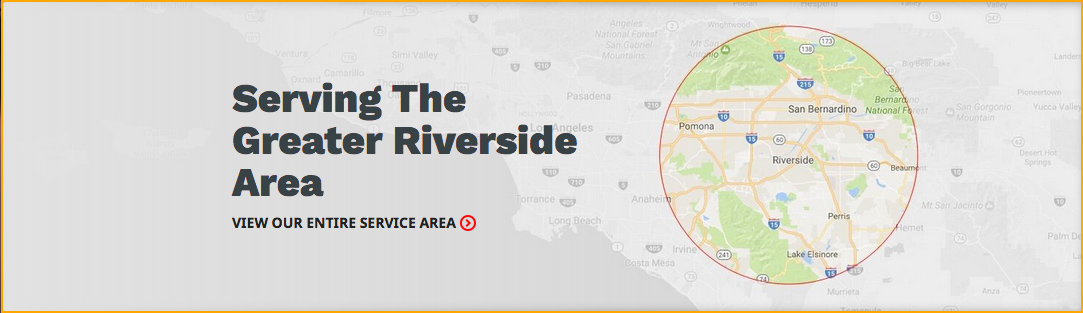
The Service Areas Block usually appears on the homepage and subpages of a site. It may appear in the sidebar or as a full-width banner, depending upon the design.
Typically the Service Areas Block includes the Service Area H2, the list of the client’s top Service Areas (linked to their respective landing pages) and a link to the Map Page. Often the Zip Code Search Block will be designed to fit within the Service Areas Block.
The Service Area H2 text is automatically pulled from the module (except in rare cases, where there may be additional text only editable by Development and based on the site design). The list of top towns is also automatically populated based on their designation in the module.
Styling
Each site uses custom styling for the service areas block as dictated by the site design.

In some cases, the Service Areas Block may only include the Service Area H2 with a link to the Map Page. This may be the case depending upon the client’s package and/or the design of the website.
Zip Code Search Block
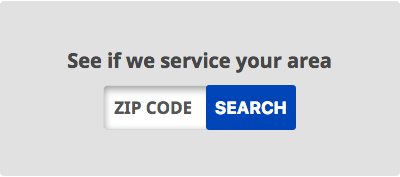
The Zip Code Search Block contains a small form. This form allows a site visitor to enter a zip code, and the website will tell them whether or not the business services the entered zip. Searching for any zip code will lead the visitor to the Map page, but will add a memo to the page saying either “Yes We Service [Your Searched Zip Code]” or “[Your Searched Zip Code] may be outside our service area.” This form functions automatically based off of the zip codes entered into the module.
Styling
Each site uses custom styling for the zip code search block as dictated by the site design.
Last updated: