Promotions
Promotions are special deals / discounts offered by our customers in order to drive leads. They’re typically displayed on iMarket sites in three areas: A dedicated promotions page, a details page, and promotions blocks. We’ll explore each of those areas below.
Dedicated Promotions Page
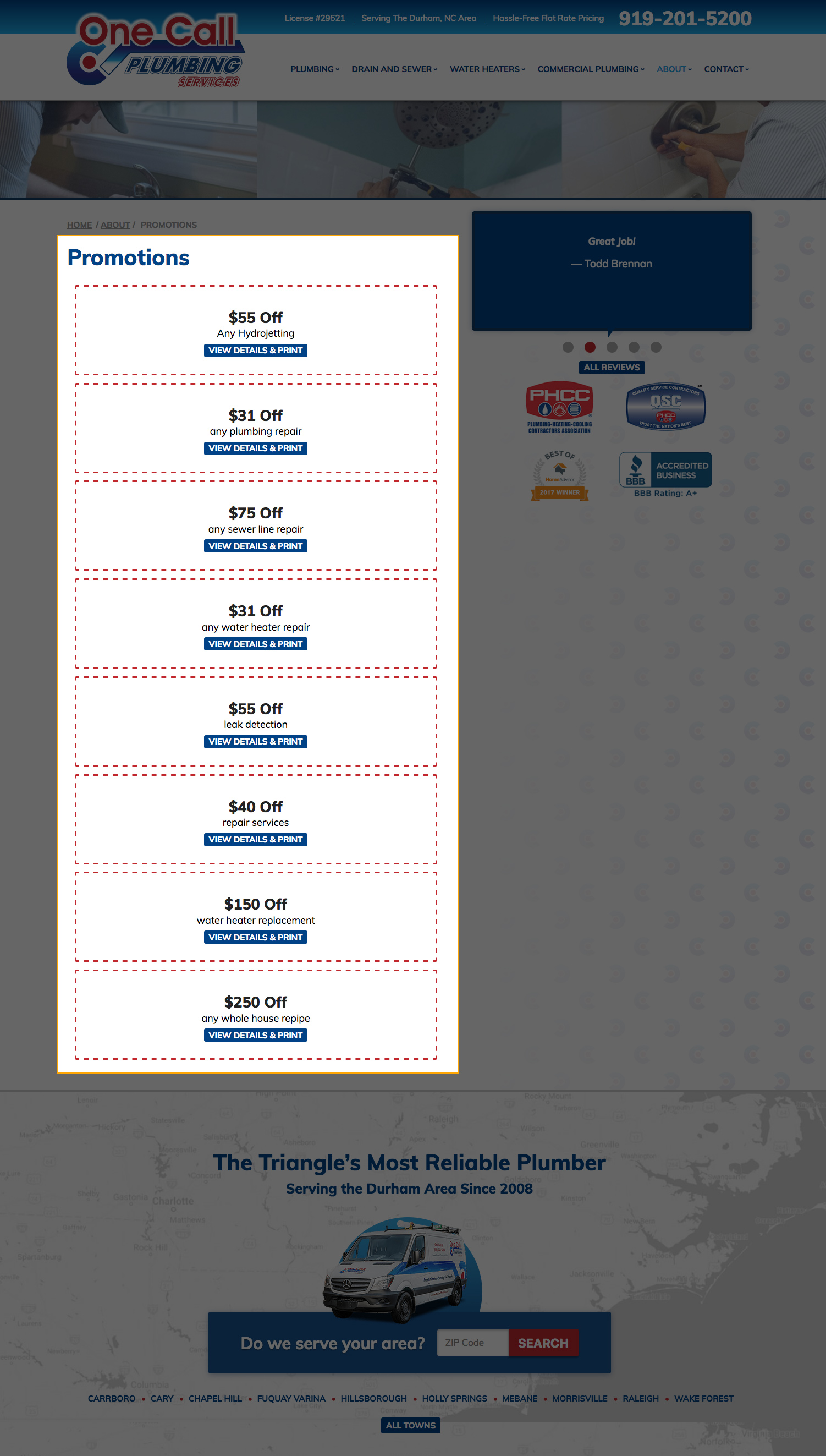
All websites include a Dedicated Promotions Page (unless removed by client request). The Promotions page is typically found at http://www.yoursiteurl.com/about/promotions.
By default, the page lists all active promotions in reverse chronological order (added via the promotions module) in the content area. Each promotion contains the title, teaser, and a link to the details page for that promotion. This content format can be altered by opening a ticket to Development.
This page may also have the company logo, site URL, and phone number above the promotions content. Most newer sites will not have this element by default, but until Q3 2017 this was part of the default styling.
Styling
At this time, the Dedicated Promotions page does not use custom styling provided by the Design team. However, the Developer may make small tweaks to the default styling to better suit the overall site design at the time of building the site.
Details Page
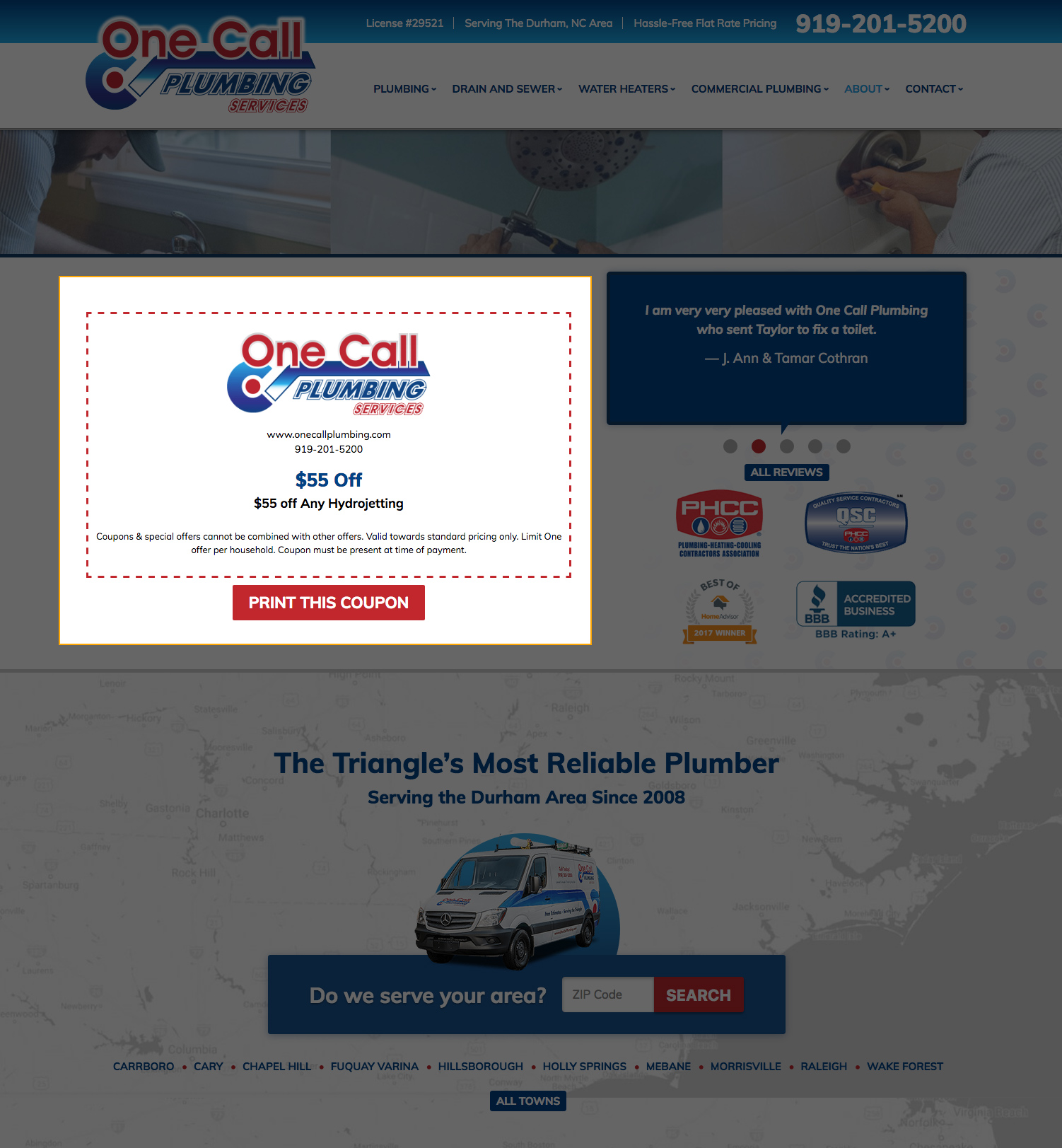
The Promotional Details page displays a individual promotion with the the company logo, site URL and phone number, the promotion title, the full content (as opposed to just a teaser) and any disclaimers. This page is only reached through one of two ways:
- Clicking on the “View Details & Print” link on an individual promotion on the dedicated promotions page.
- Clicking on an individual promotion from either the homepage or subpage promotions block.
Beneath this promotion is a link to “Print this Coupon”. When clicked a pop-up will appear with the detailed coupon displayed in a more print-friendly format and two links: one to close the window and one to print the page.
Styling
At this time, the Promotional Details page does not use custom styling provided by the Design team. However, the Developer may make small tweaks to the default styling to better suit the overall site design at the time of building the site.
Promotions Blocks
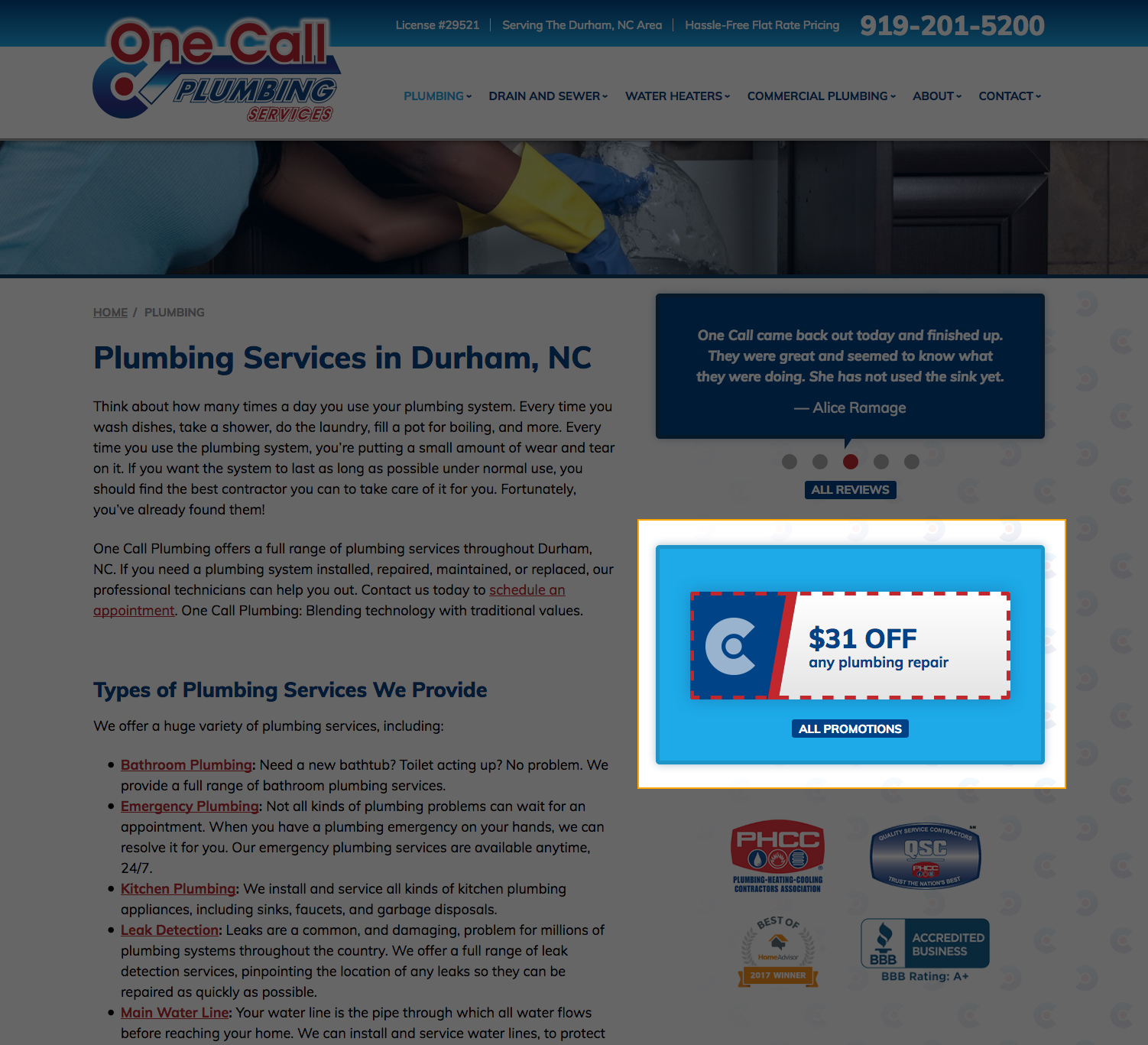
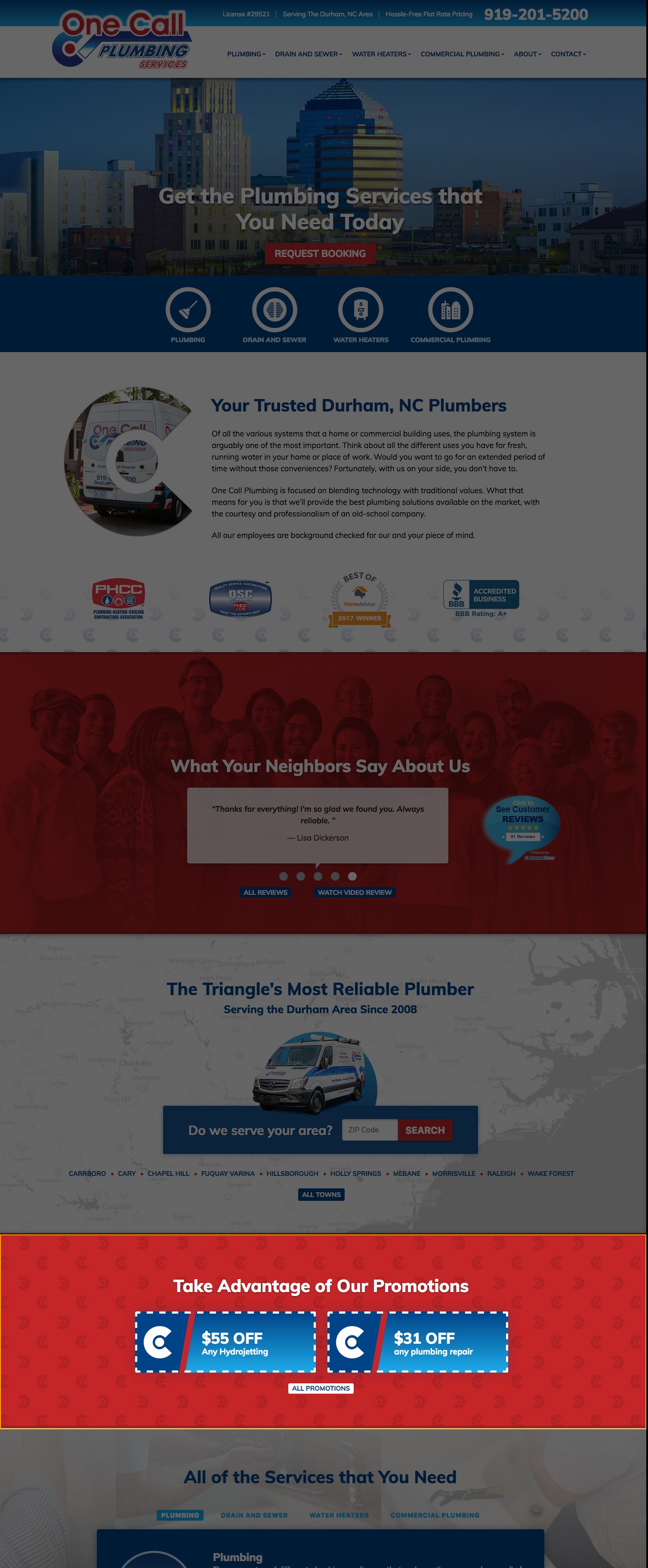
The promotions blocks on the homepage and subpage templates are used to showcase a selection of promotions from the Promotions Module. They will automatically update on the site when edited through the CMS, and will display the most recent promotions first.
Each promotion is usually a link that connects to the Promotional Details Page for that individual promotion. There is also typically a “view all” link of some kind that links to the Dedicated Promotions Page.
Styling
Each site uses custom styling for the promotions block as dictated by the site design. In some cases, multiple styling options are available for individual promotions via the module. You can read more about this functionality in the Modules: Promotions entry.
Typically, we see the selection of promotions displayed in one of the following ways:
- Static displays of a single promotion
- Static displays of multiple promotions (usually three at once)
- Sliders displaying a single or multiple promotions
Tagging
By default, the selection of promotions will display in reverse chronological order (in other words, the newest promotions will display first). However, there is also a feature that allows the CMS user to tag individual promotions with specific top-level services. If tags are utilized, the promotions block on the subpage will favor promotions with tags associated with that particular subpage. You can read more about this functionality in the Modules: Promotions entry.
Best Practices
- The Dedicated Promotions Page must have a filename in the iMarket CMS of promotions. (not “coupons”, “deals”, etc.)
- The Design department has recommended that the dedicated promotions page should not use the Logo/URL/phone-number as an item at the beginning of top-content going forward. It’s considered redundant, especially given that the customer will be able to print those items from the more detailed coupon view on the “details page”.
Last updated: