Page Templates
All iMarket CMS resources (pages and weblinks) have a designated template. A template typically contains HTML markup that determines the layout and appearance of the page.
The designated template for each page can be viewed in the General Tab under the heading “Uses Template:” It is shown below for informational purposes, but note that only Development should modify this field.
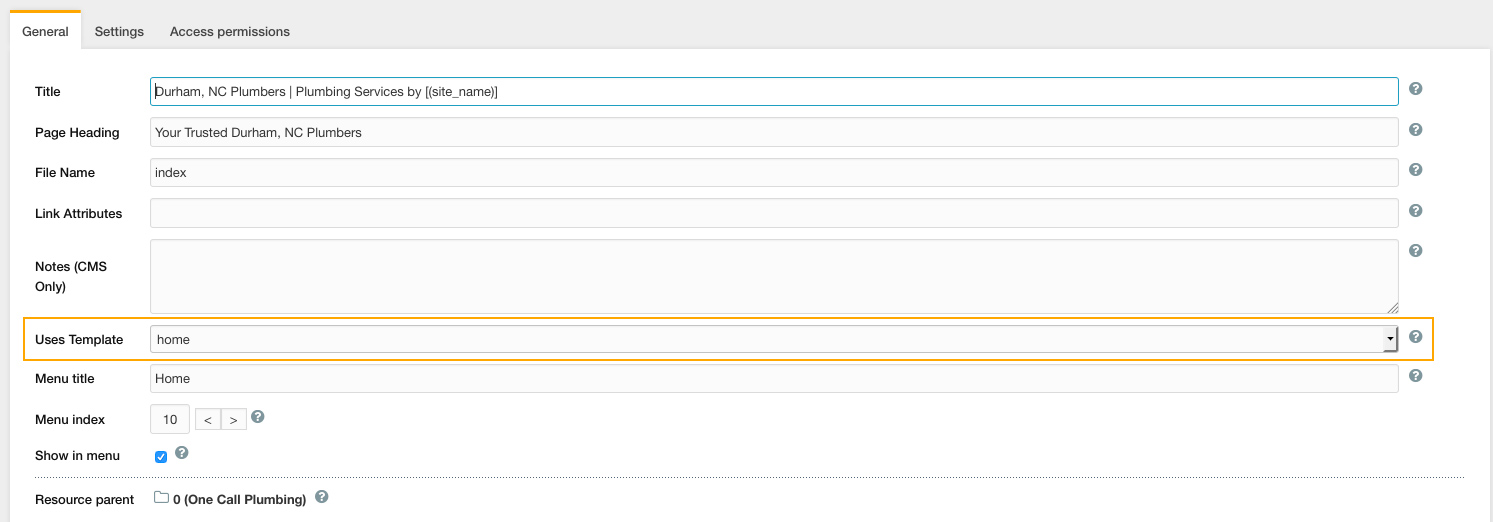
Homepage: “Home” Template
With the exclusion of WebSmart packages, all iMarket websites include a distinct Home template for the homepage. This allows Developers to build in custom content blocks that are specific to the Homepage design. The homepage template always includes the Header and Footer. The additional content is dependent upon the site design.
Subpage: “Main” Template
All subpages share the Main template. In rare cases, the Service Area Landing page may have a unique template. For responsive sites, the subpage template always includes the Header, Footer, and Top and Main Content. The Subpage Template on nonresponsive sites will include the Header, Footer, and a single content area: Main Content. A sidebar is typically included in the subpage template, and occasionally designs will include full-width sections of secondary content (for example, a full-width promotions banner).
Because the subpages all use the same template, by default they will all include the same content areas. Template variables can be used to change the default behavior of certain blocks on a page by page basis: for example, we could use a template variable to hide the promotions sidebar block on the Dedicated Promotions Landing page. You can learn more about using template variables here.
Empty Template
All weblinks use the Empty template. It is important that weblinks always use the Empty template so that they are excluded from the XML sitemap.
Blog
The link to the blog in the navigation and sitemap is actually a weblink, and so, it uses the “Empty” template. The actual blog and all associated pages/posts exist in a subsection of the website that uses the WordPress platform. Blog pages/posts cannot be accessed through the iMarket CMS manager, but instead, should be accessed through WordPress. You can read more about how the blog functions here.
Last updated: