FAQ Module
Use this module to add or edit FAQs.
Preliminary FAQ Page Set-Up
Before this module can be used, Development must build/publish the FAQ Page in the iMarket CMS and enable the module. Open a ticket to Development if this page does not exist yet and/or if the module is not enabled.
Styling
At this time, the FAQ page does not use custom styling provided by the Design team. However, the Developer may make small tweaks to the default styling to better suit the overall site design at the time of building the FAQ page.
What Can I Add?
FAQs
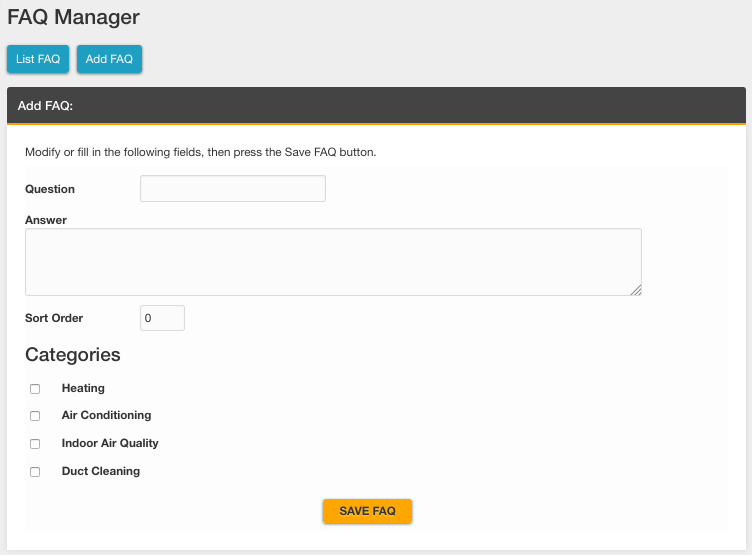
- Click the “Add FAQ” button. You can enter the following information for each FAQ:
- Question
- Answer
- Sort order (This will determine the order the FAQs display on the page. We recommend using intervals of 5 or 10 so that adjustments can be made more easily later.)
- Categories (If applicable)
Editing/Deleting FAQs
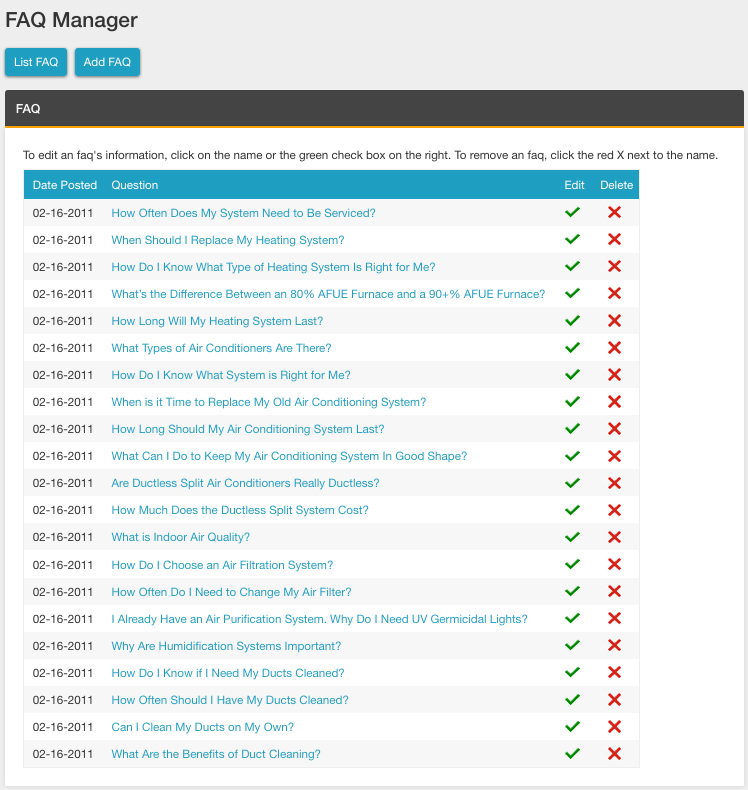
Edit an FAQ
- Go to “List FAQ” in the FAQ module
- Click the green check mark icon next to the FAQ you want to edit
- Make the necessary edits.
- Save
Delete an FAQ
- Go to “List FAQ” in the FAQ module
- Click the red X icon next to the FAQ you want to delete
Sample Output
Default Output
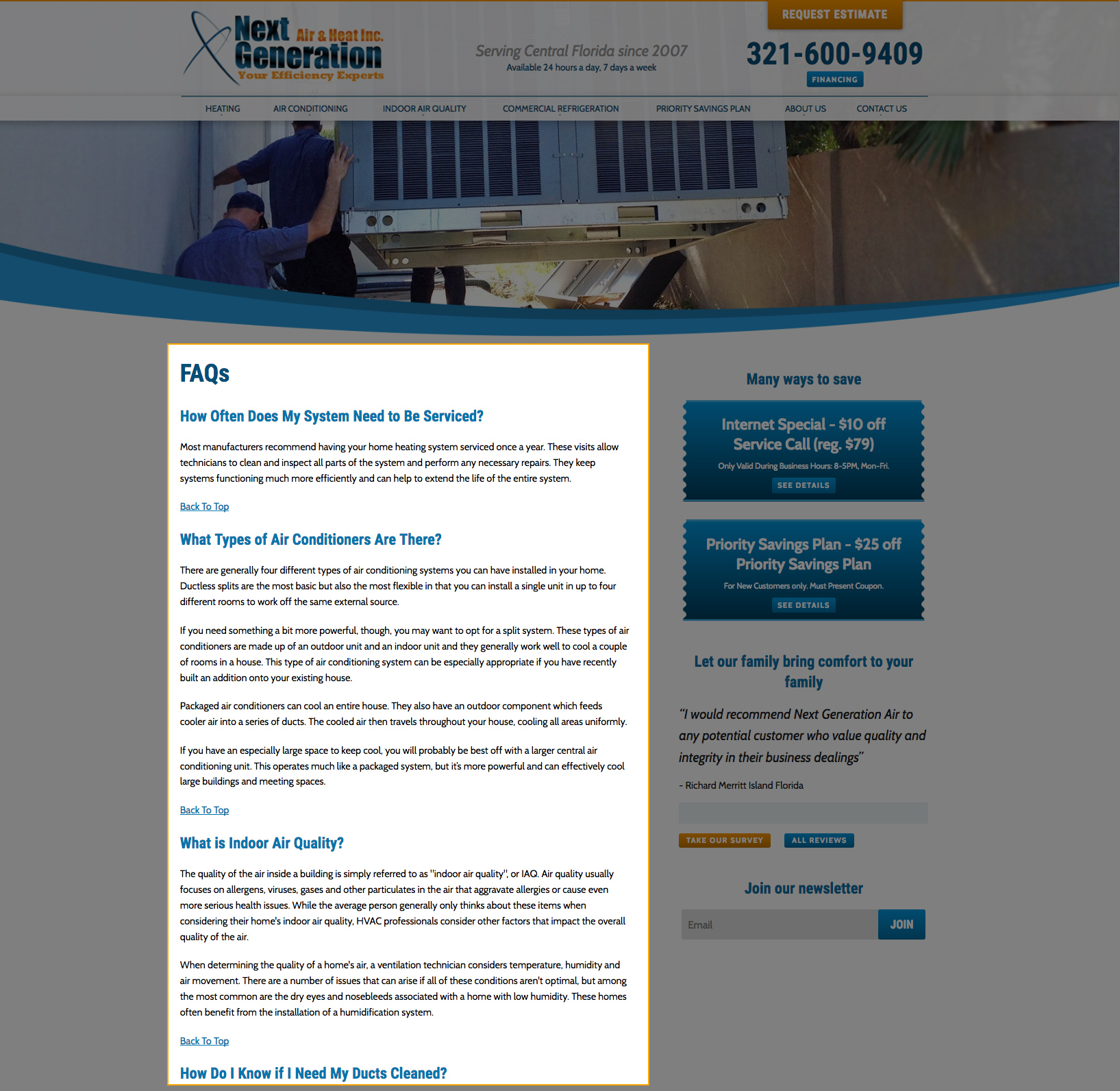
By default, the FAQs will appear according to their sort order on the FAQ page. The question displays as an h2 and the answer displays as paragraph text below. There is a “back to top” link beneath each question.
Category Output
Development can add an option to display the FAQs by category if requested.
Custom FAQ Output: Content Pages
Specific FAQ categories may be included on individual pages in addition to the main FAQ page (ex: a plumbing faq list can display on a Plumbing FAQ page). Please open a ticket to Development to add specific categories on individual pages.
Last updated: