Editable Content Areas
The following areas are available to edit by iMarket Staff users on most* pages in the iMarket CMS manager:
*Typically the homepage content should only be edited by Development. Pages that contain module content (i.e., the Promotions Landing Page, should be edited through the module).
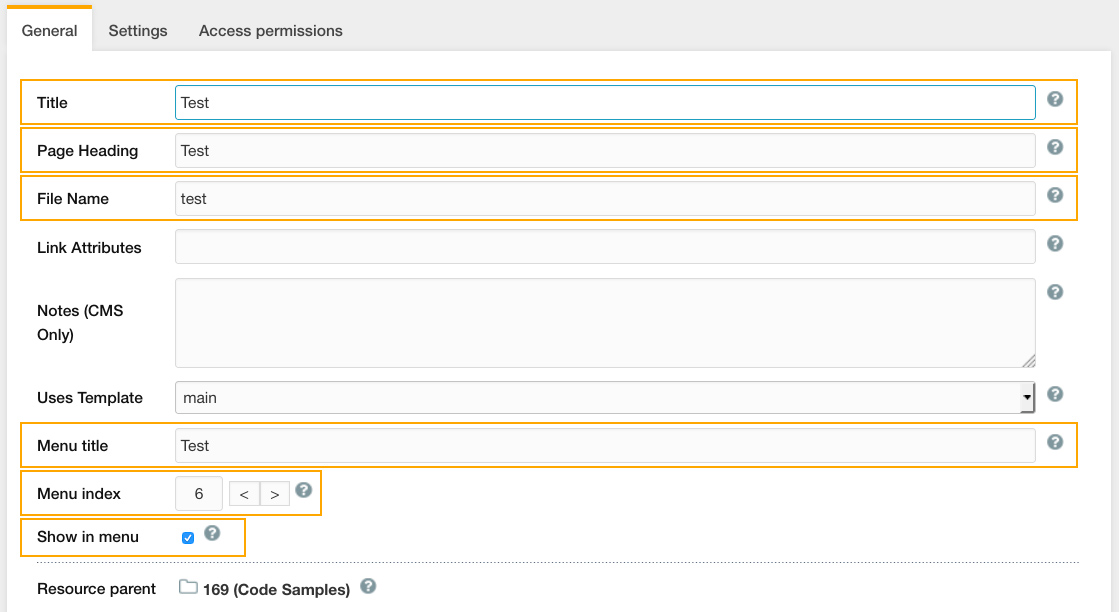
- Title: This is title of the page – that is, the words that will appear in your browser tab. Page Titles are important for search engine placement.
- Page Heading: This is the h1 that will appear at the beginning of the text content on the page. Page headings are important for search engine placement.
- File Name: This is the document’s filename – i.e., the name under which it will be stored in the website’s database. Every filename must be unique. Visitors to your site will see the File Name at the very end of the web address. For example, if you enter “contact-us” in this field, the URL of the document you create will be http://www.yourdomain.com/contact-us. For this reason, so you should use real English words in your file name, not numbers or abbreviations that only you can figure out. The File Name cannot have any spaces or capital letters, and separate words should be divided by hyphens, not underscores (because search engines don’t like underscores). Filenames are important for search engine placement and impact the sitemap.
- Menu Title: This is the text that will be used in the navigation to link to the page. If possible, the Menu Text should match the Page Title, although sometimes you will have to shorten it to make the Menu Text fit neatly in the navigation menu.
- Menu Index: Menu Index is used to specify the order in which pages appear in your site’s navigation. The lower the number entered in this field, the earlier the page will appear in the navigation. We recommend using multiples of 10 for this field to make it easier to re-order pages.
- Show in Menu: If this box is checked, it means that a link to the page will appear in the navigation menu (and Sitemap page). If you uncheck the checkbox, the page will not appear. Sometimes this can be useful – for example, if you have a “Thank You” page that appears after site visitors submit a form, you don’t want it to appear in the main navigation menu.
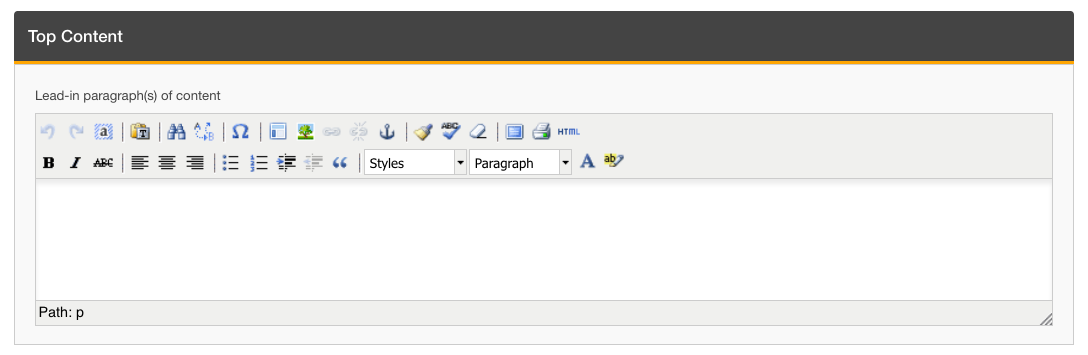
- Top Content:* The top content section is the content that will appear in the Top Content Block on the page you are editing. This is typically one-two paragraphs of SEO content that will appear above the sidebar on mobile devices.
- Main Content:* The main content section is the content that will appear in the Main Content Block on the page you are editing. This will typically appear below the sidebar on mobile devices.
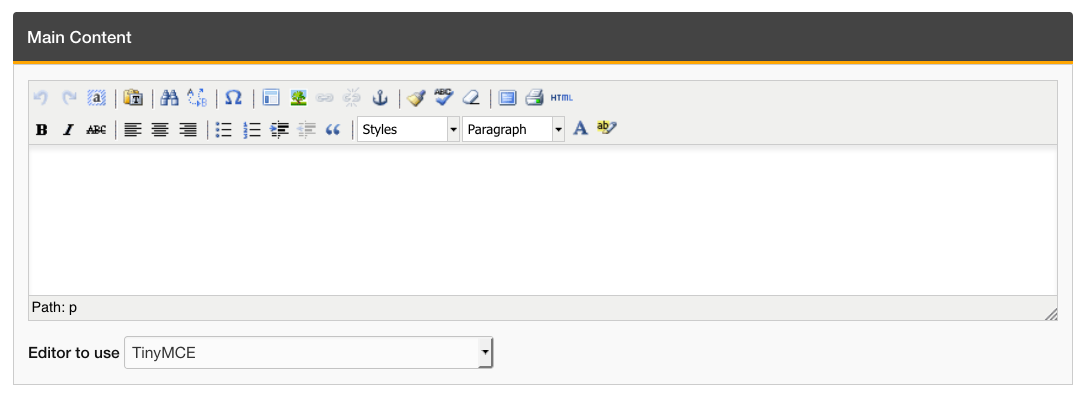
*Some content includes custom html or special shortcodes added by developers. iMarket Staff users should never edit any shortcodes (except for the youtube_embed shortcode) or html content.
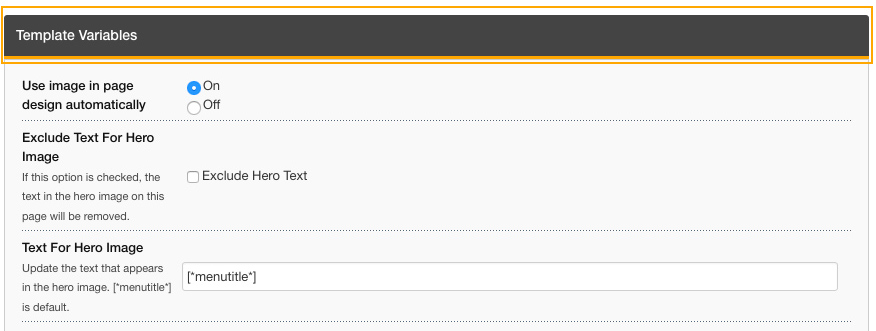
- Template Variables: With the exception of some SEO/Dev-only template variables, the template variables section is available for use by iMarketStaff users. Please see the separate entry on template variables for further information.
Last updated: