Site Map
A site map (or sitemap) is a list of pages of a website accessible to crawlers or users. It can be either a document in any form used as a planning tool, or a web page that lists the pages on a website, typically organized in hierarchical fashion.
All iMarket websites include two different versions of the site map: The Site Map page and the XML Sitemap. We’ll explore both in this entry.
Site Map Page
The Site Map page can be found at either http://www.yoursiteurl.com/about/sitemap or http://www.yoursiteurl.com/sitemap (the latter is found typically on older sites), and there is often a link to it in the Footer Menu.
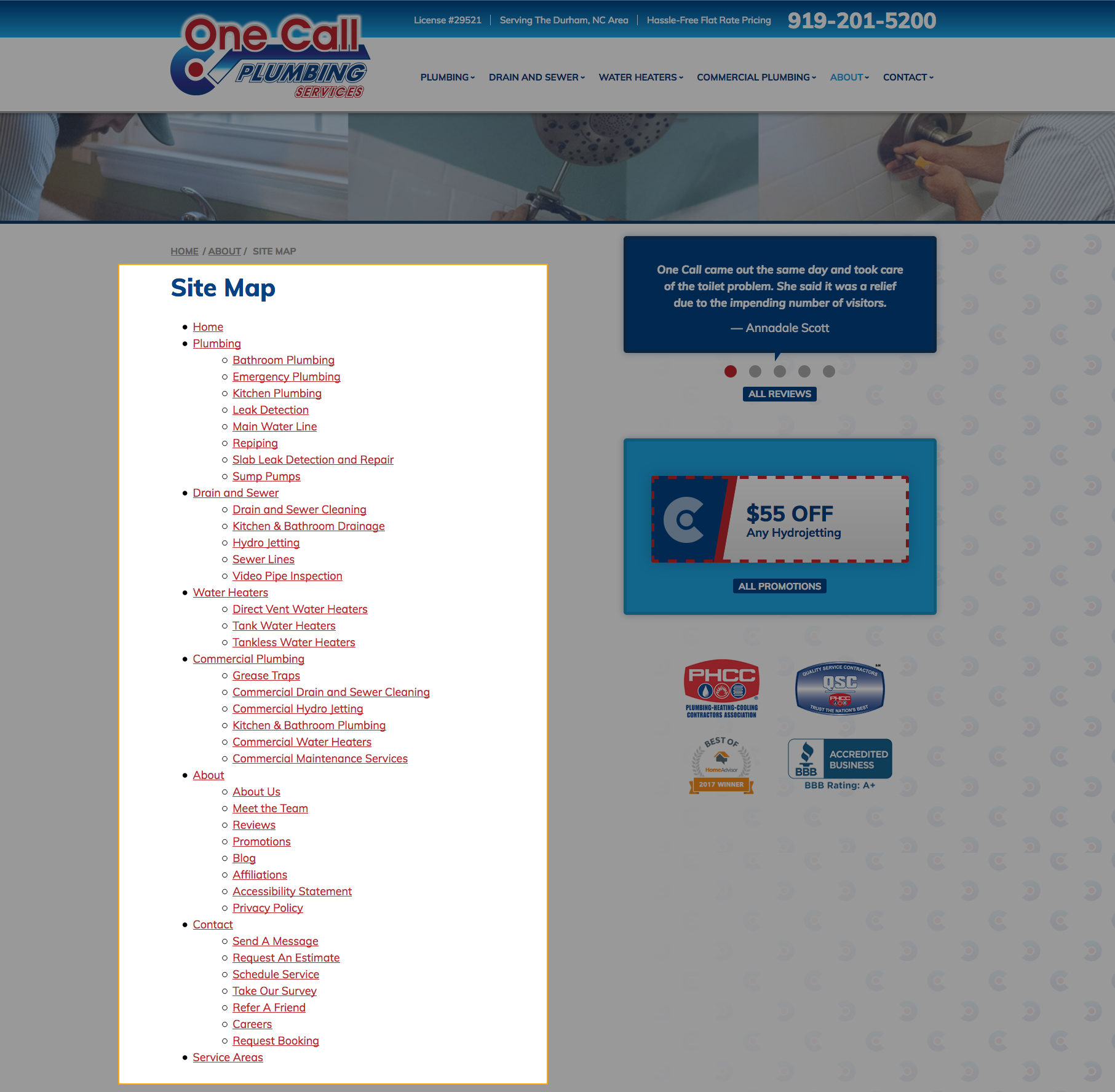
The Site Map page is designed for the user to help them find content on the site: It demonstrates the organization of the website in a visual hierarchical fashion. Weblinks may display in the sitemap page if they are used for organizational purposes. For example, in the image below we see a link to the Contact weblink, because it acts as a container for the subpages under it.
A copy of the Site Map content is also included in the 404 Page to aid in navigation.
XML Sitemap
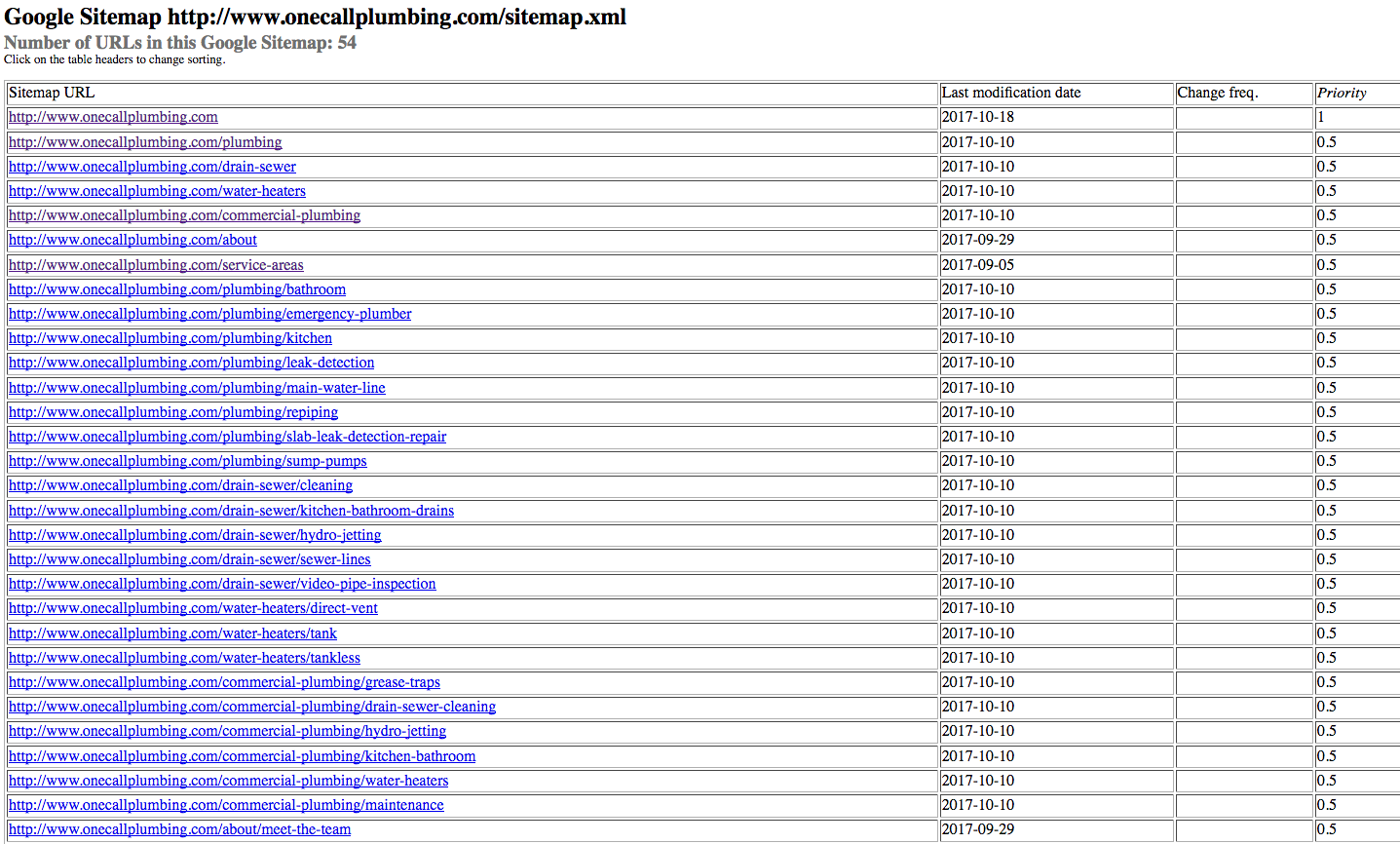
The XML Sitemap is a structured format that a user doesn’t need to see, but it tells the search engine about the pages in a site, their relative importance to each other, and how often they are updated. The XML file contains URLs to these pages so that web crawlers can find them. It can be viewed on all sites by visiting: http://www.yoursiteurl.com/sitemap.xml. Duplicate pages and weblinks should not appear in the XML sitemap.
Last updated: