Affiliations
Affiliate logos establish trust with users by showing the company’s affiliation with familiar brands/associations. They’re typically displayed on iMarket sites on a Dedicated Affiliations Page and in Affiliations Blocks on other pages. We’ll explore both of those areas below.
Dedicated Affiliations Page
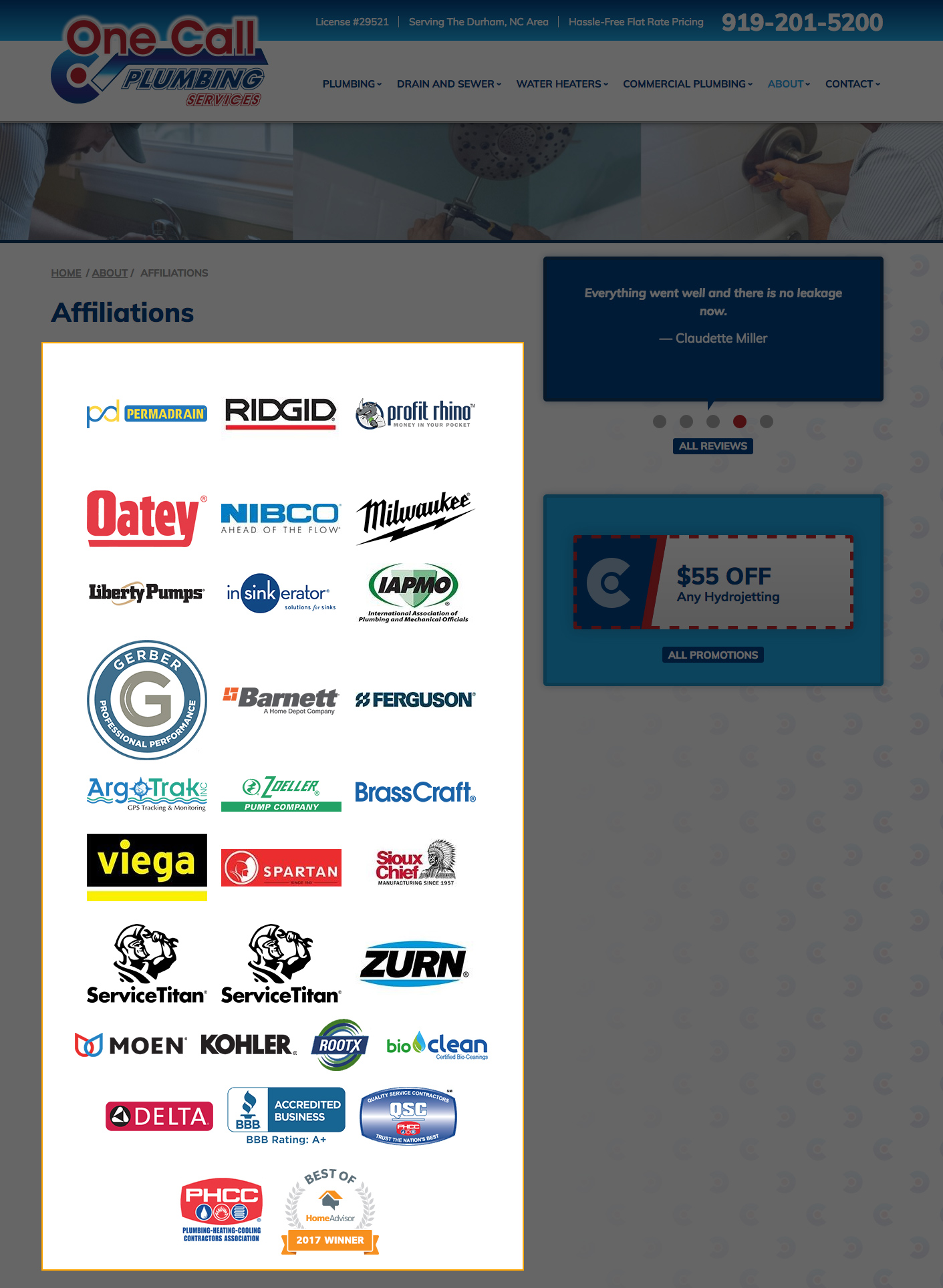
With the exclusion of WebSmart sites, all websites include an Affiliations page (unless removed by client request). The Affiliations page is typically found at either http://www.yoursiteurl.com/about/affiliations or http://www.yoursiteurl.com/affiliations, and there is often a link to it in the Footer Menu.
The Affiliations page is usually made up of a list of logos (which are added by Development through the Affiliations module). However, some sites may include additional client-provided content before or after the logos. Because this page has Developer-only permissions, any content to be added outside of the module should be requested via a Development ticket.
Affiliations Blocks
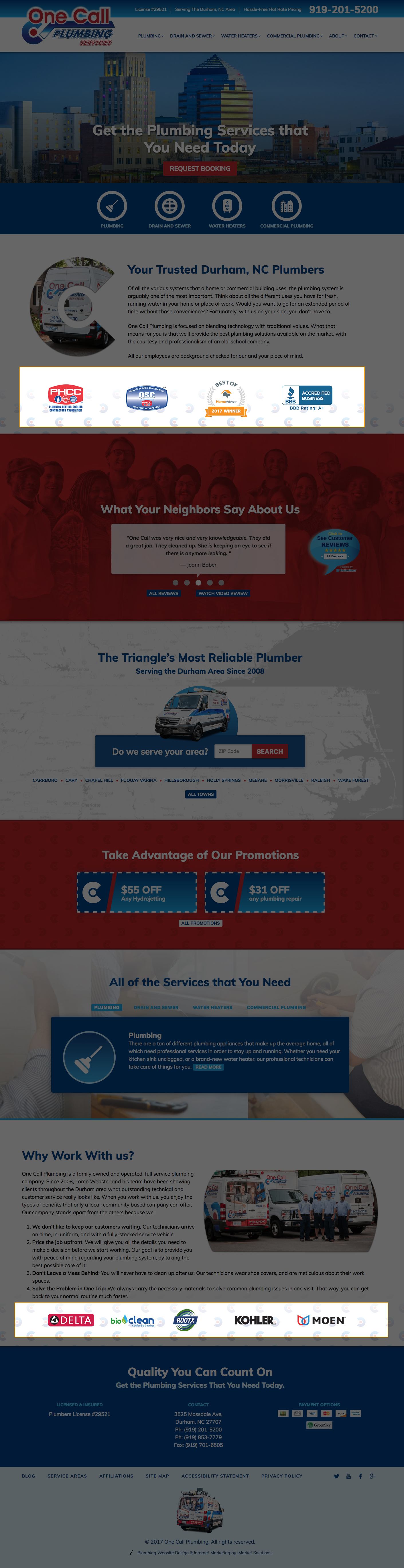
In addition to the standard Affiliations page, many sites include Affiliations blocks based on their site design. The block may consist of all or a selection of logos, and they are usually organized based on their relevancy to one another or the nearby content. Only Developers can modify which logos appear in Affiliations blocks.
Last updated: